This is an old revision of the document!
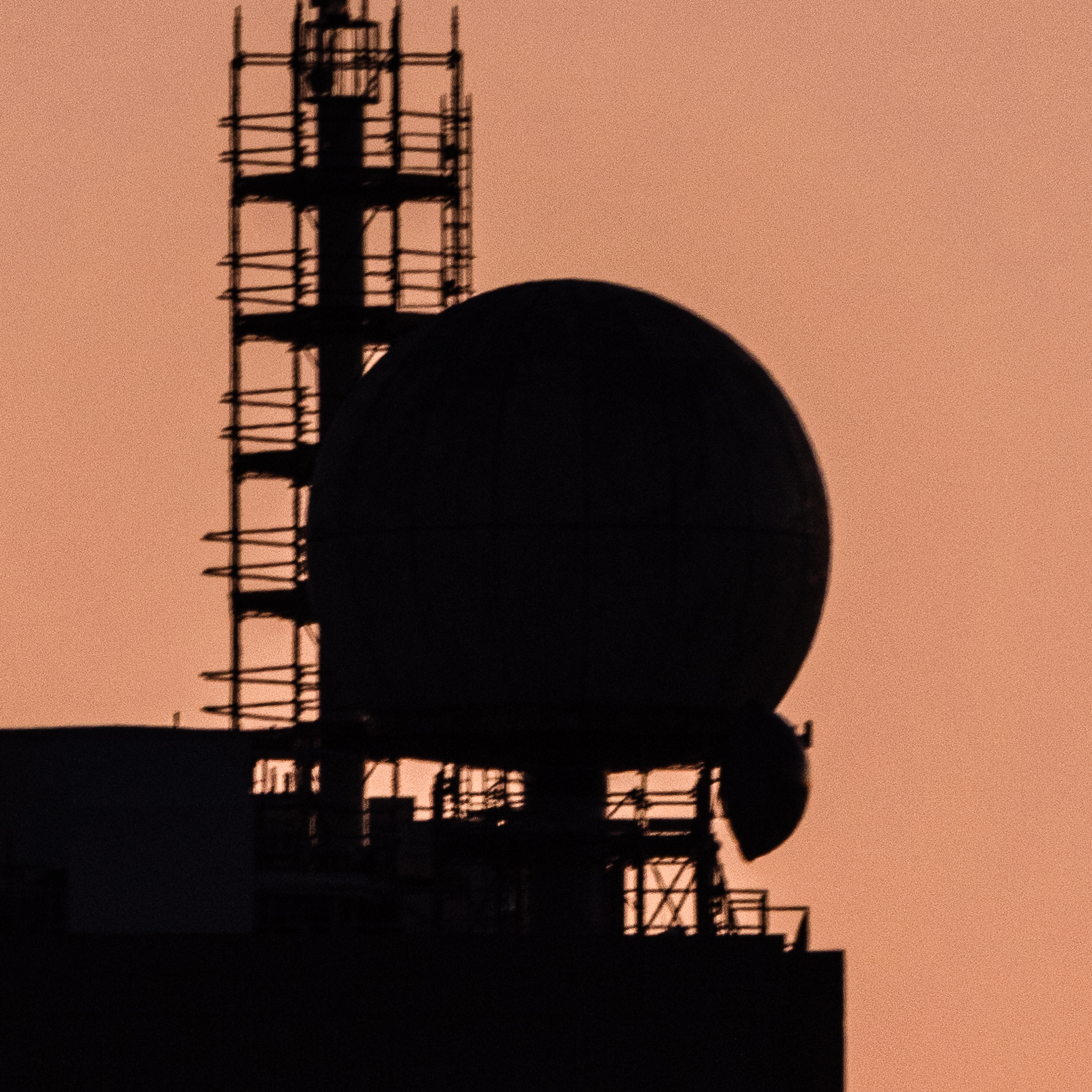
The radome poses a risk of high RF field exposure and of crushing from the moving dish. To prevent these hazards, a keyed interlock system attached to the 3-phase power disconnects power to the RF power amplifiers and the motor drives.
The 2 keys (A and B) on the disconnects in 54-2101 are required to open the radome hatch, and they cannot be removed from 54-2101 without turning off the disconnects. This ensures power to the dish drives is disabled, and that the dish has had time to fully stop if it was moving, before the hatch to the radome can be opened.
Access procedure for the radome:
1) Ensure that the dish is not in use by checking the Google Calendar. Ensure that the dish is not moving. SSH into the radome control server and stop the server program so it cannot move.
2) Turn off both disconnects in 54-2101 by pushing the lever switches down. Insert the blocker bars into the locks. This may require rotating them to the right angle.
3) Remove keys A and B from the disconnects.
4) Go to the radome. Insert and turn keys A and B in order into the first two positions in the lock on the hatch. This will allow the locking bar to pop out. Remove key C and keep it. If a second person is entering the radome, they should remove key D and keep it. Keys C and D prevent the radome being relocked until they are reinserted.
5) Perform work in the radome. Be careful opening and closing the hatch, as it is heavy.
6) After work is complete and all persons have exited the radome, reinsert keys C and D. Then reinsert the locking bar. To reinsert the locking bar, push it in with the handle horizontal, then turn it downwards once it is inserted.
7) Remove keys A and B from the hatch lock.
8) Reinsert keys A and B into the locks in 54-2101 and turn the disconnects back on.